
Account creation and sign up
Register and create your account
To create an account, you can go to the signup page or visit ieco.io and click any Try ieco for free button.
TIP
When you register you will get €15 free credits in the tool for your first tests.
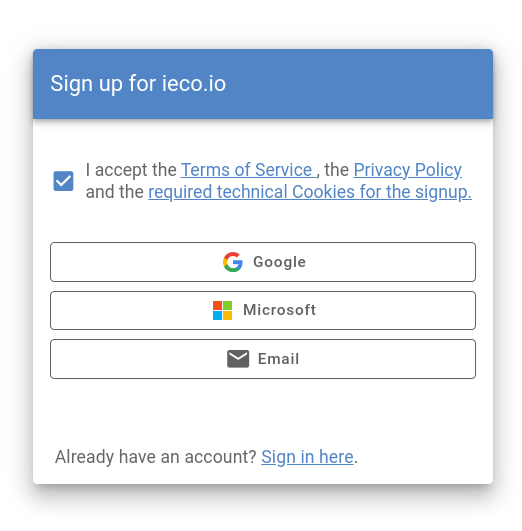
Choose your preferred method of registration: a Google account, a Microsoft account or your email with a username and password.
We recommend choosing, if possible, Google or Microsoft accounts because registration is faster and more secure as you do not need to remember or store any passwords.
Sign up with Google
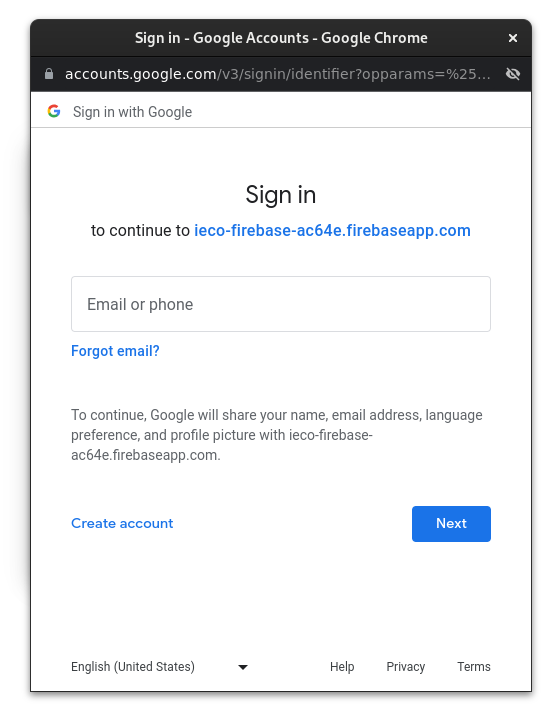
Sign up with your Google credentials.
Sign up with Microsoft
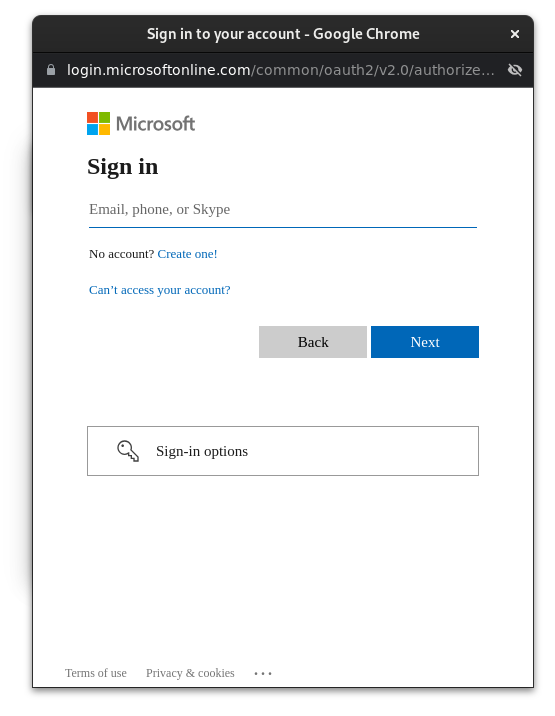
Sign up with your Microsoft credentials.
Sign up with your email address, username and password
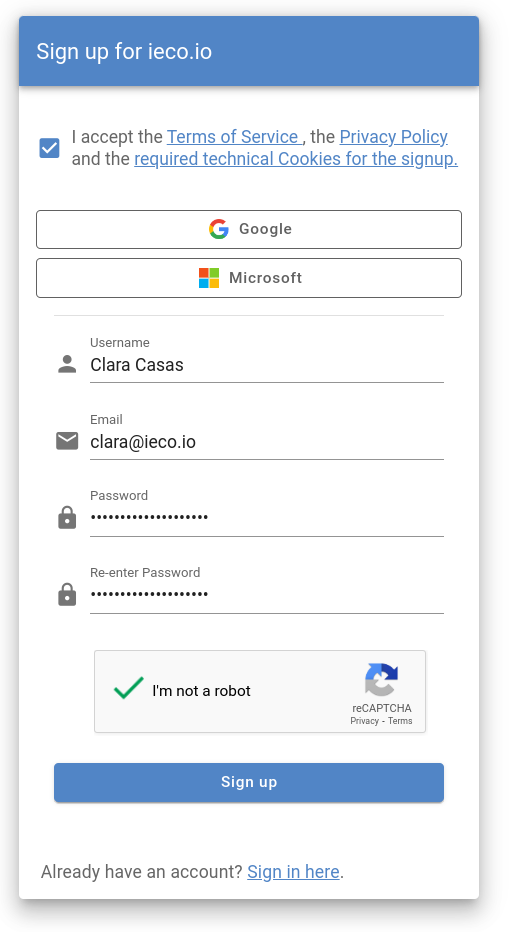
Include a username, your email address and a secure password, solve the CAPTCHA and click the Register button.
- The password must be at least 6 characters long.
- The email address cannot be temporary.
Verify your email address
If you use Microsoft or username/password methods for sign up, you will need to verify your email address.
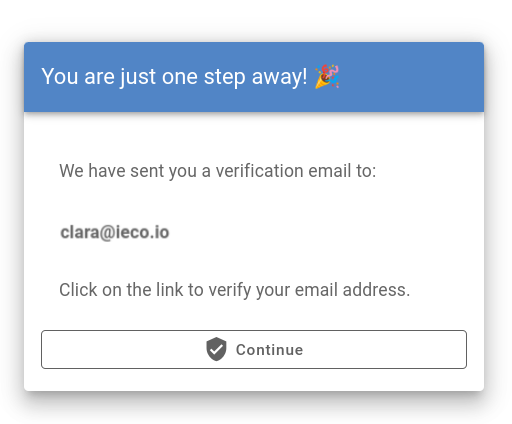
To do this, we will send you an email to your email address (the one you provided during registration) with a verification link that you must click on.
Once clicked, the following message will appear indicating that your account is verified.
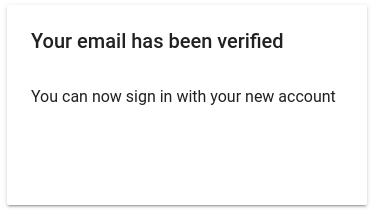
Click the Continue button in the previous window and you're in! 😊
I do not receive the verification email
If you do not receive the verification email in your inbox, please check your spam folder.
You can also click Continue without verifying the link and a new button will appear for us to resend you the verification email.
If you still do not receive it, please write to us at help@ieco.io.